Tasks is the list of everything still to do, kept next to the rest of your wedding rather than in a notes app. It is private to you and your co-organisers; nothing in it appears on your page. Every plan has it, including Free.
Take suggestions, or add your own
Press Suggestions in the toolbar for the full UK wedding checklist, grouped by how far out each thing usually happens, from A year out down to The final fortnight and After the day. Press Add on anything that applies, or Add all for a whole stage. What you take leaves the suggestions, so the number on the button is always what is left. A suggestion about something your plan does not include says which plan has it.
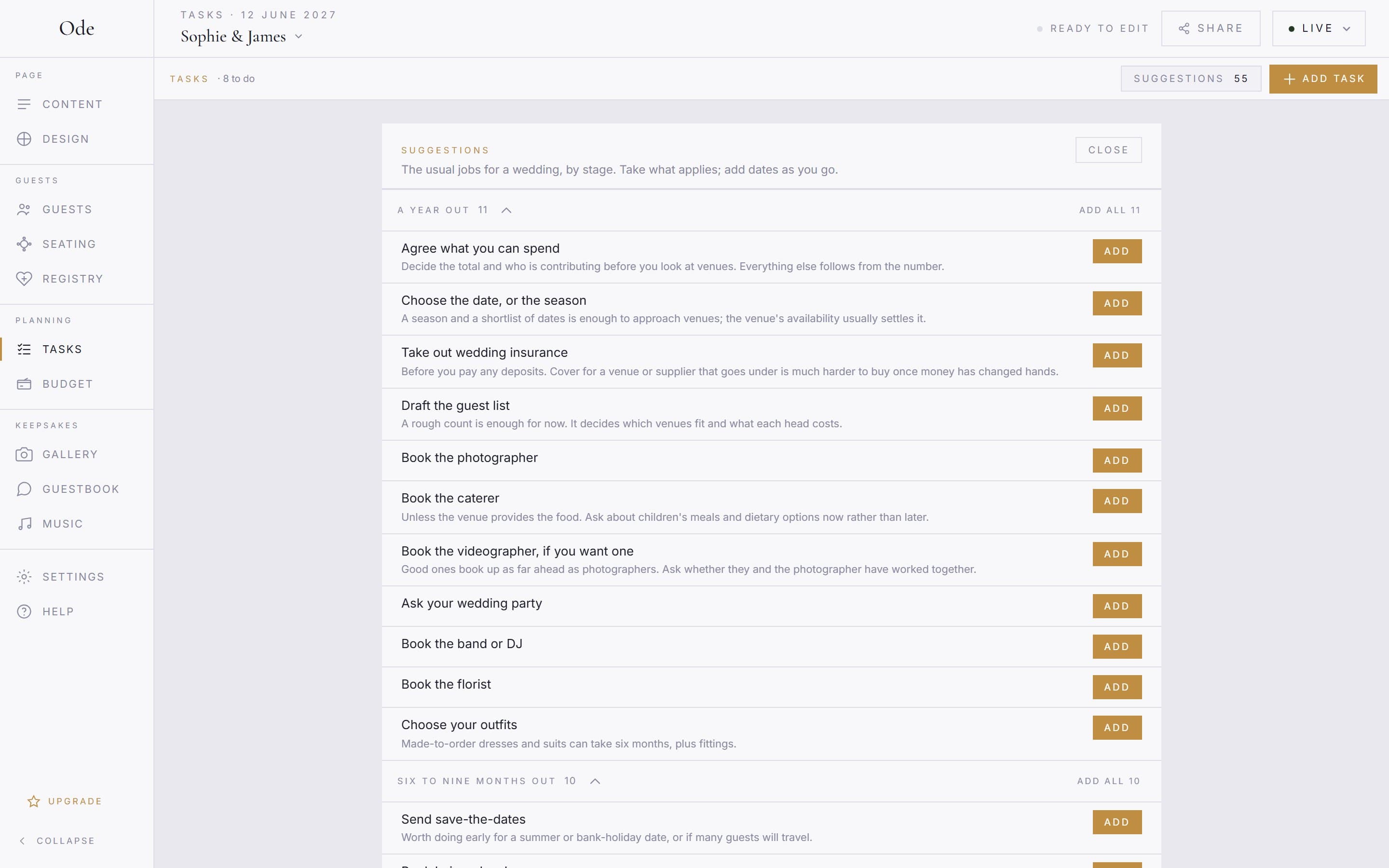
Add task adds one of your own: a name, a due date if it has one, and notes for anything you need to remember. Tap any task to edit it; the same form is where you delete it.
Dates, and the order of things
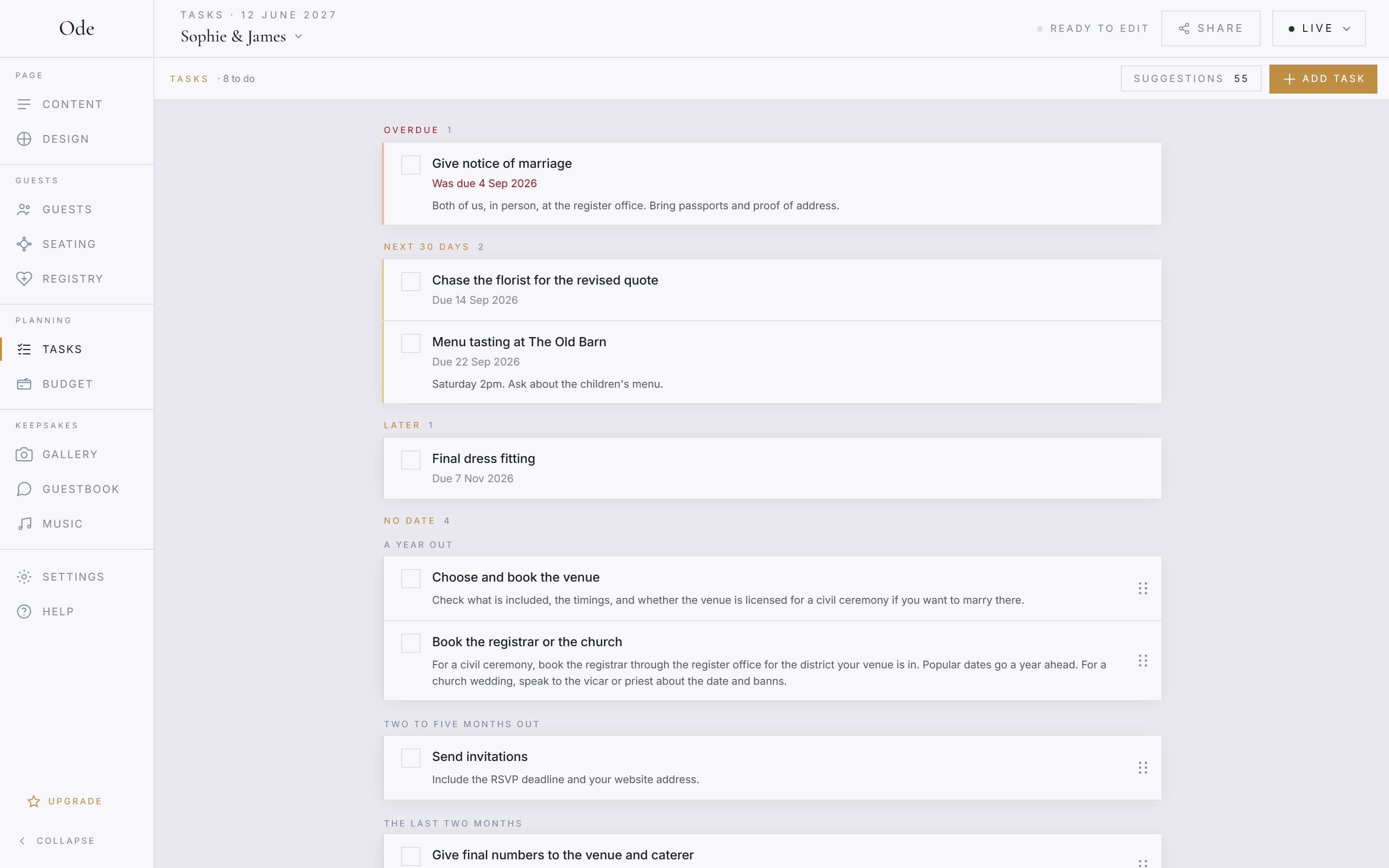
Suggestions arrive without dates. Give a task a date when you know it, and it moves to Overdue, Next 30 days or Later as the day approaches. Tasks without a date sit under No date, your own first and then the stage each suggestion came from, in whatever order you like within a stage: drag the grip at the right of a row to move it. Dated tasks order themselves by date.
Tick things off
Tick the box when something is done. Done tasks fold away under Done with the date you ticked them, and Show brings them back. Untick if you got ahead of yourself.
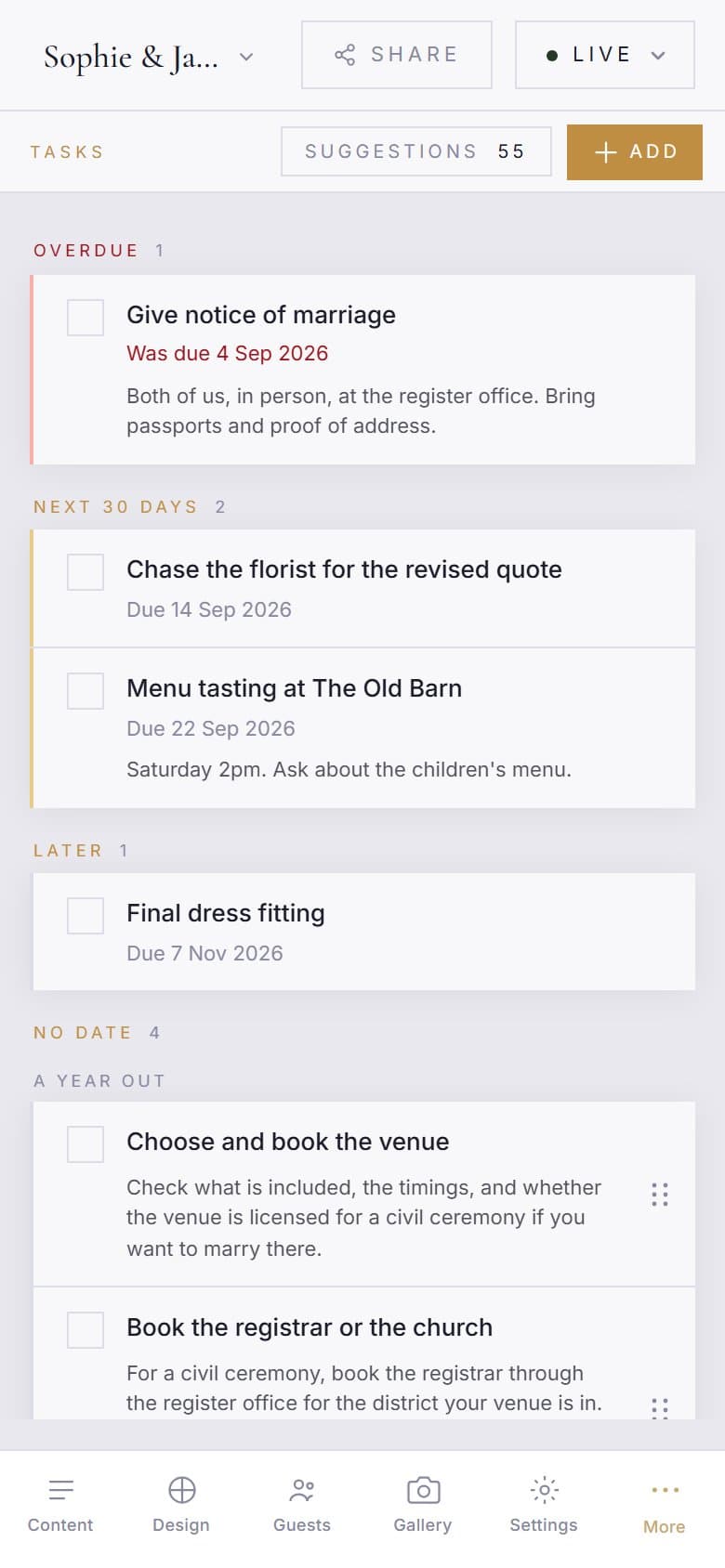
Co-organisers see and edit the same list. Money-related tasks pair well with the Budget workspace on Plus and above, which tracks the payments themselves.