Examples
A real wedding website, open to explore
Sophie & James is a complete sample wedding built with Ode. Open it and walk through the RSVP, the album and the seating search as a guest would. Nothing you enter on the demo is saved.
Open the example wedding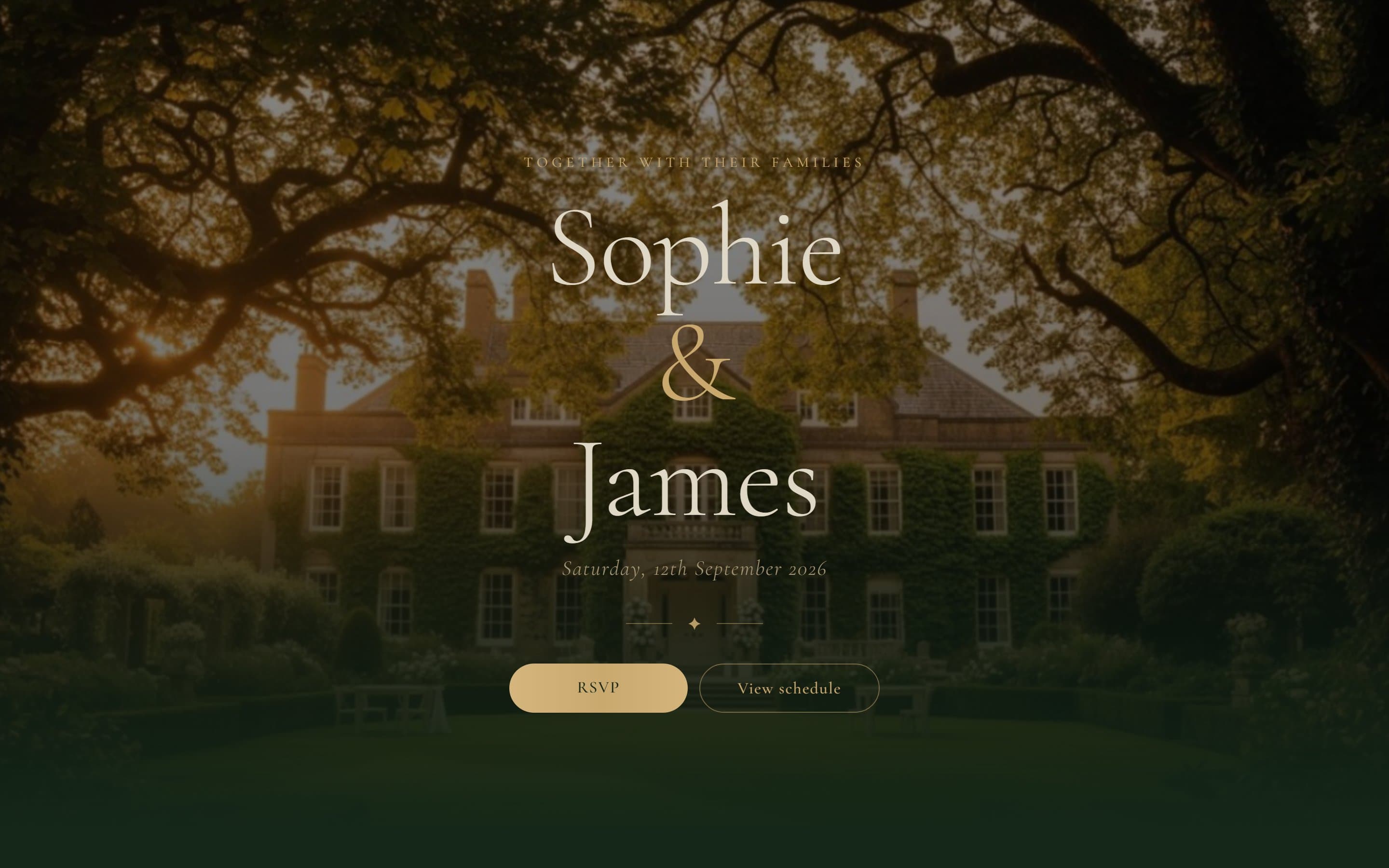
Section by section
These are screenshots of the example wedding as it appears on a phone, the screen your page is designed for first.
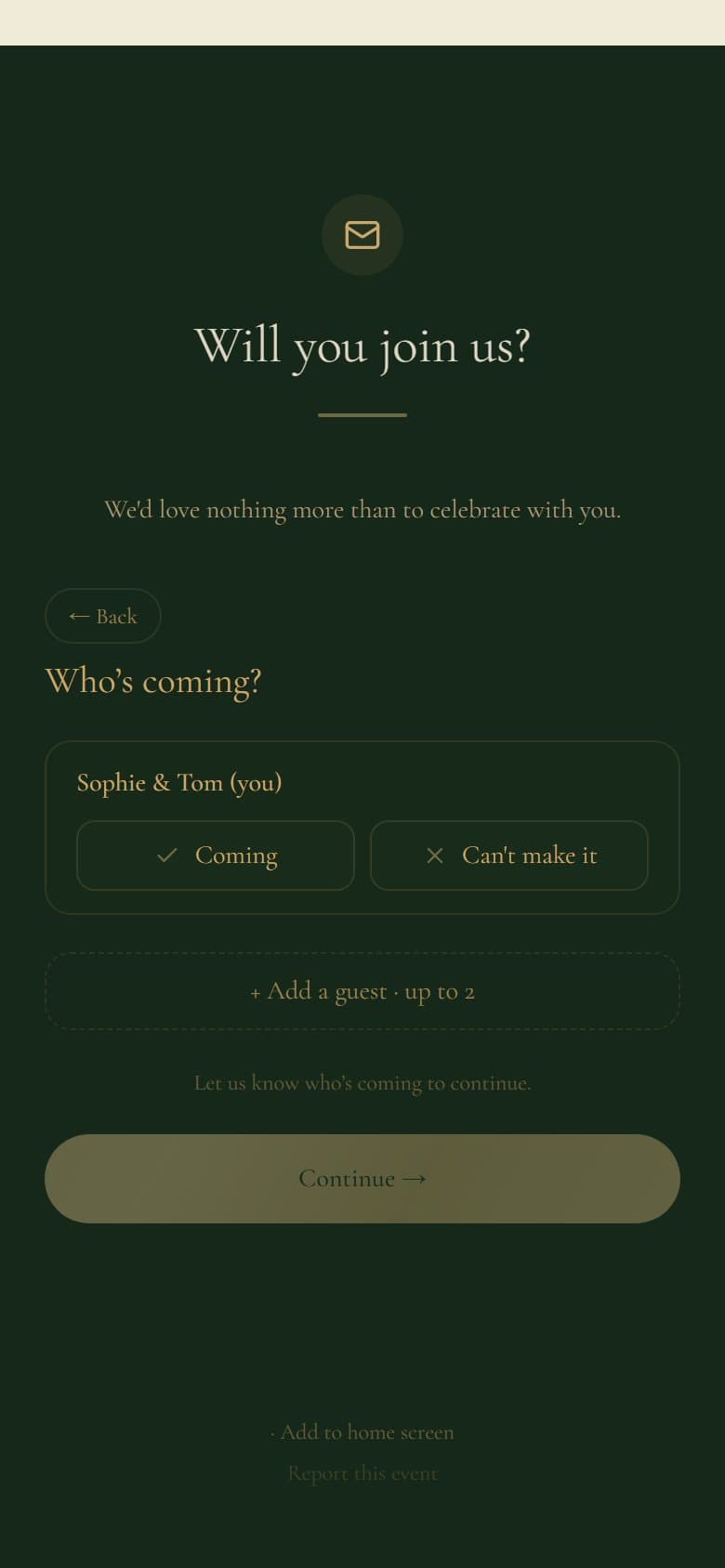
The RSVP
Guests give their name, mark each person in their party as coming or not, pick a meal per person and add a note, all in under a minute. Walk through it on the demo; nothing you enter is saved.
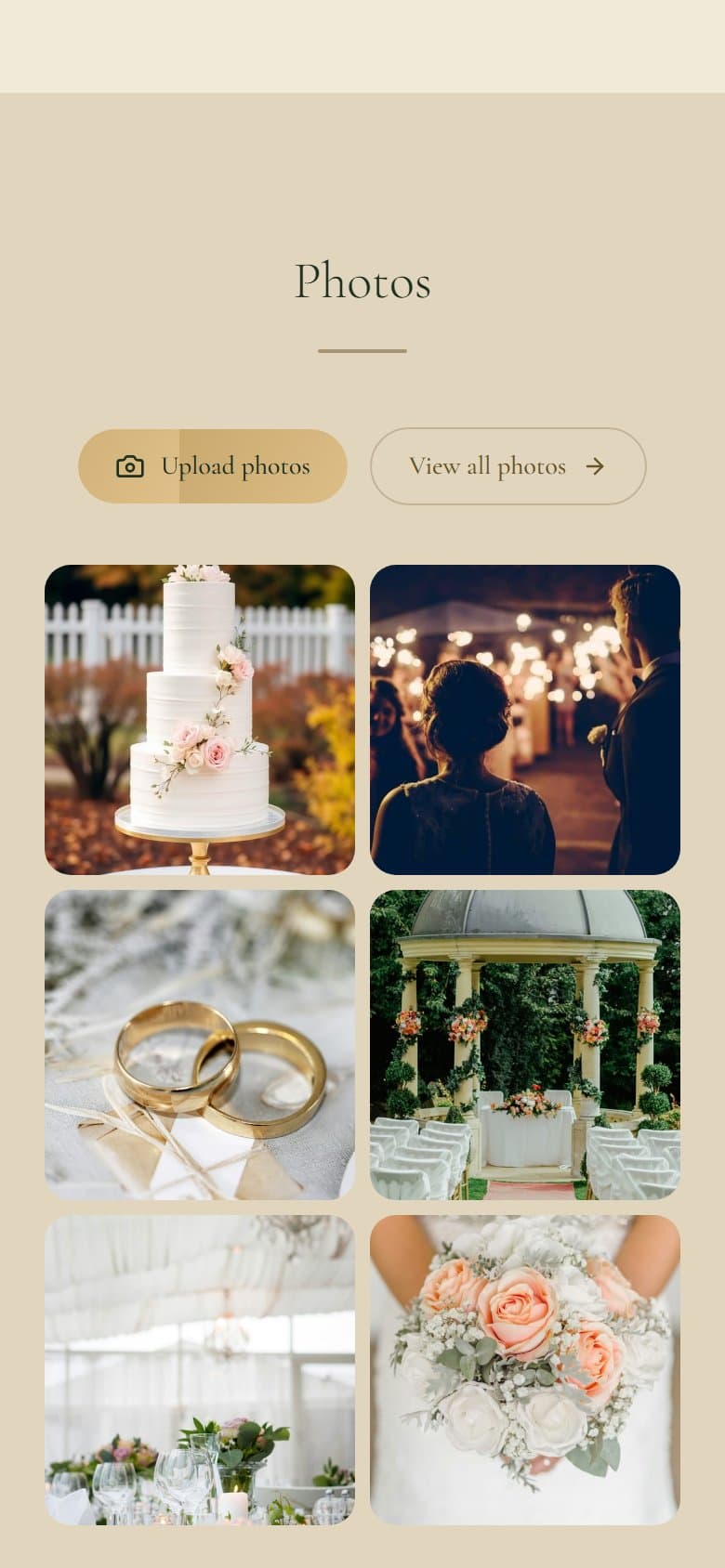
The photo album
Guest photos in one shared album, uploaded straight from the camera roll. The page shows the latest few with an upload button and a link to the full album; the album opens on the wedding day by default. The demo album is open to browse.
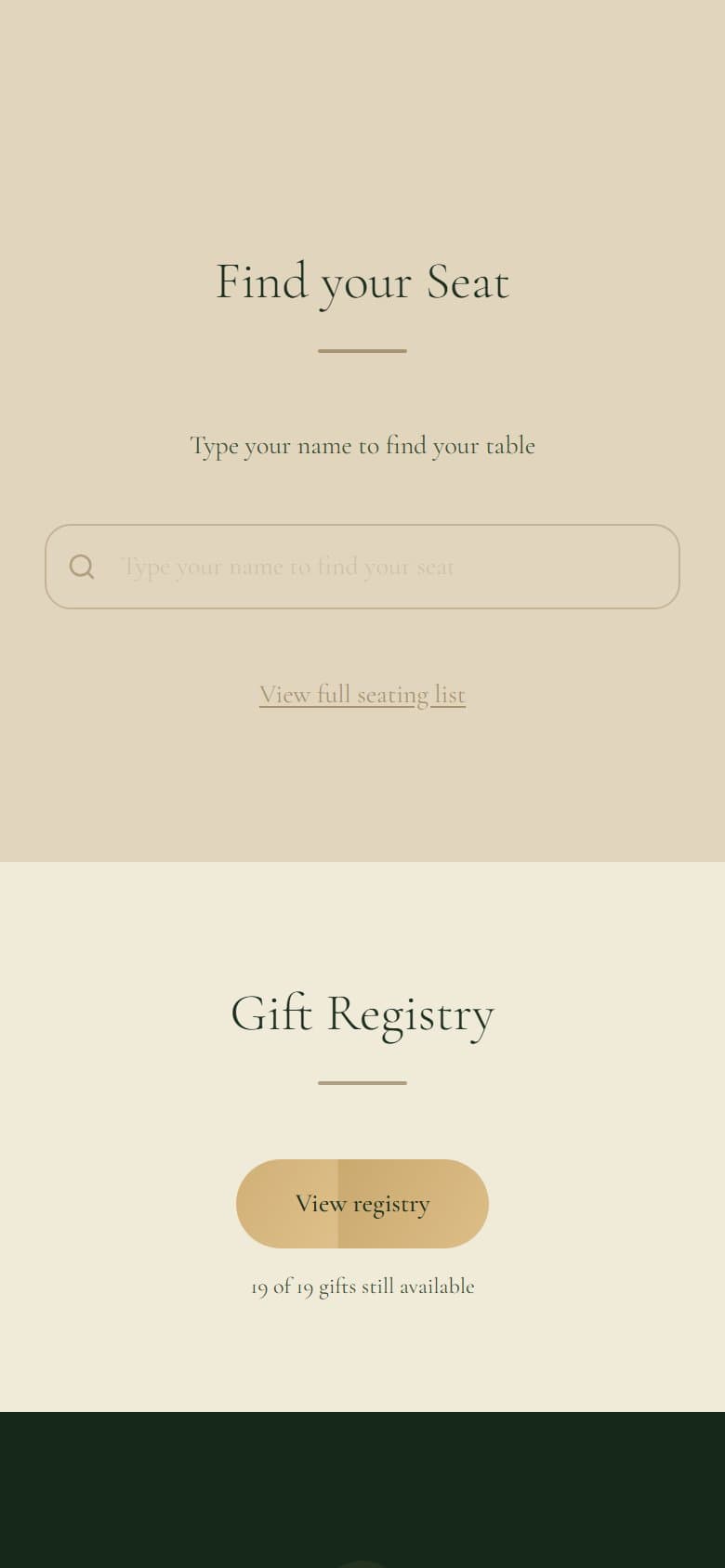
The seat finder
Guests type their name and the page tells them their table and who else is sat with them. You choose whether to show the search, the full seating list, or both. Try a name from the demo list to see it work.
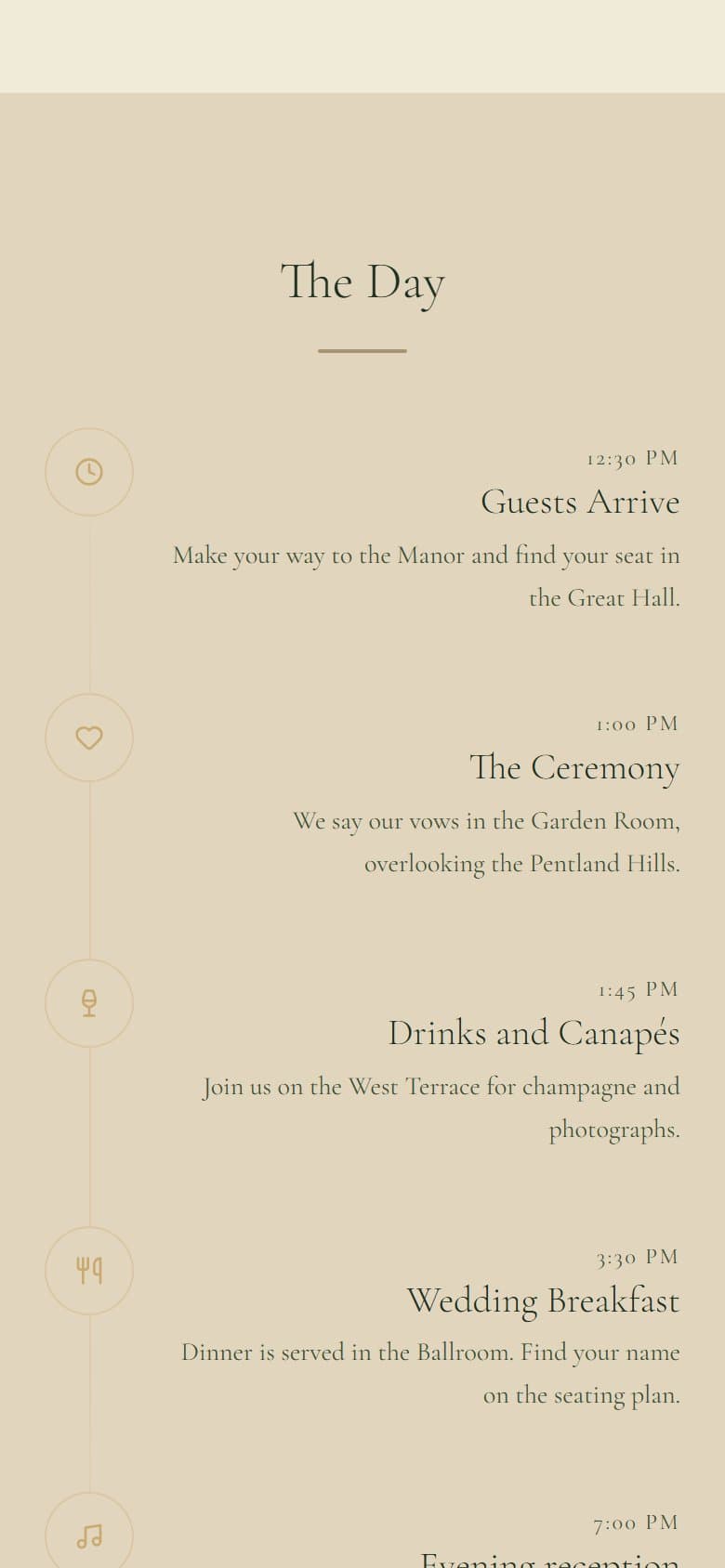
The schedule
The day's running order with a time, a title, a note and an icon per entry, from arrival to the evening reception. The wedding template ships with a five-entry schedule you edit in place.
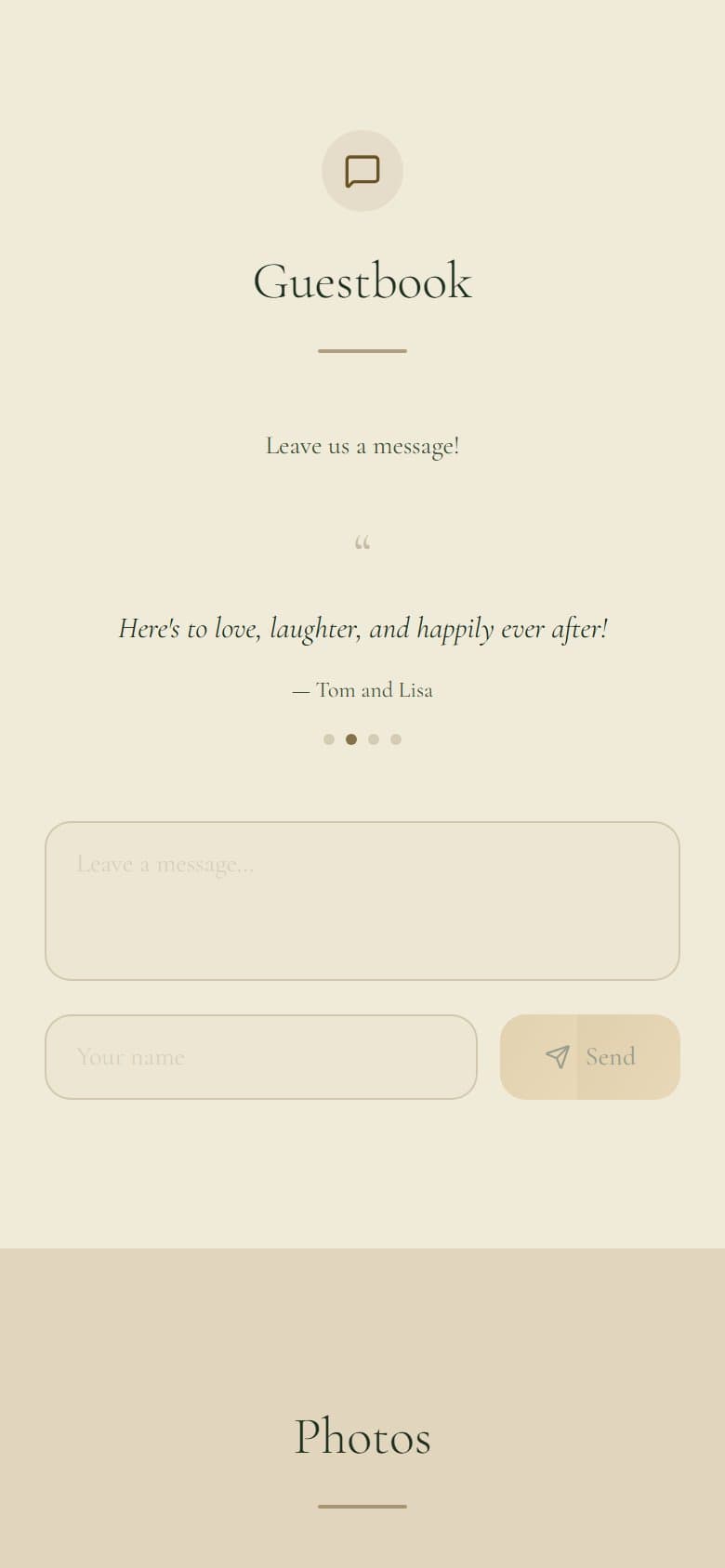
The guestbook
Messages from guests, shown on the page in one of four styles (carousel, stacked, marquee or book) or hidden from it. You can delete any message from the dashboard. The demo shows the carousel.
Yours could look like this by tonight
Free to start · No card required