The wedding website that answers your guests for you.
RSVPs with meal choices, the seating plan, a shared photo album and the day’s schedule, in one of 23 themes. Guests open a link in their browser; there’s nothing to download.
Free for up to 30 RSVPs · Pay once, no subscription · Made in Glasgow
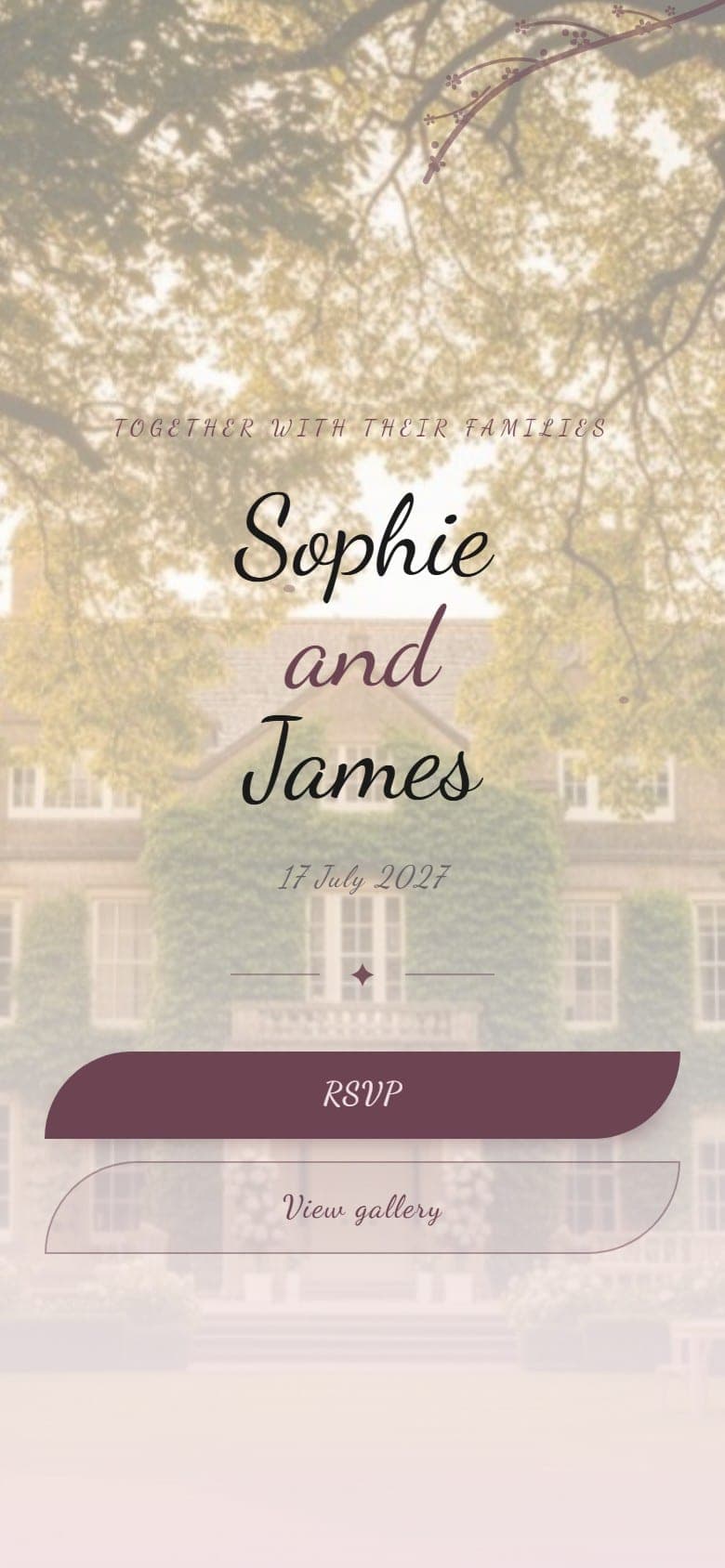 Spring
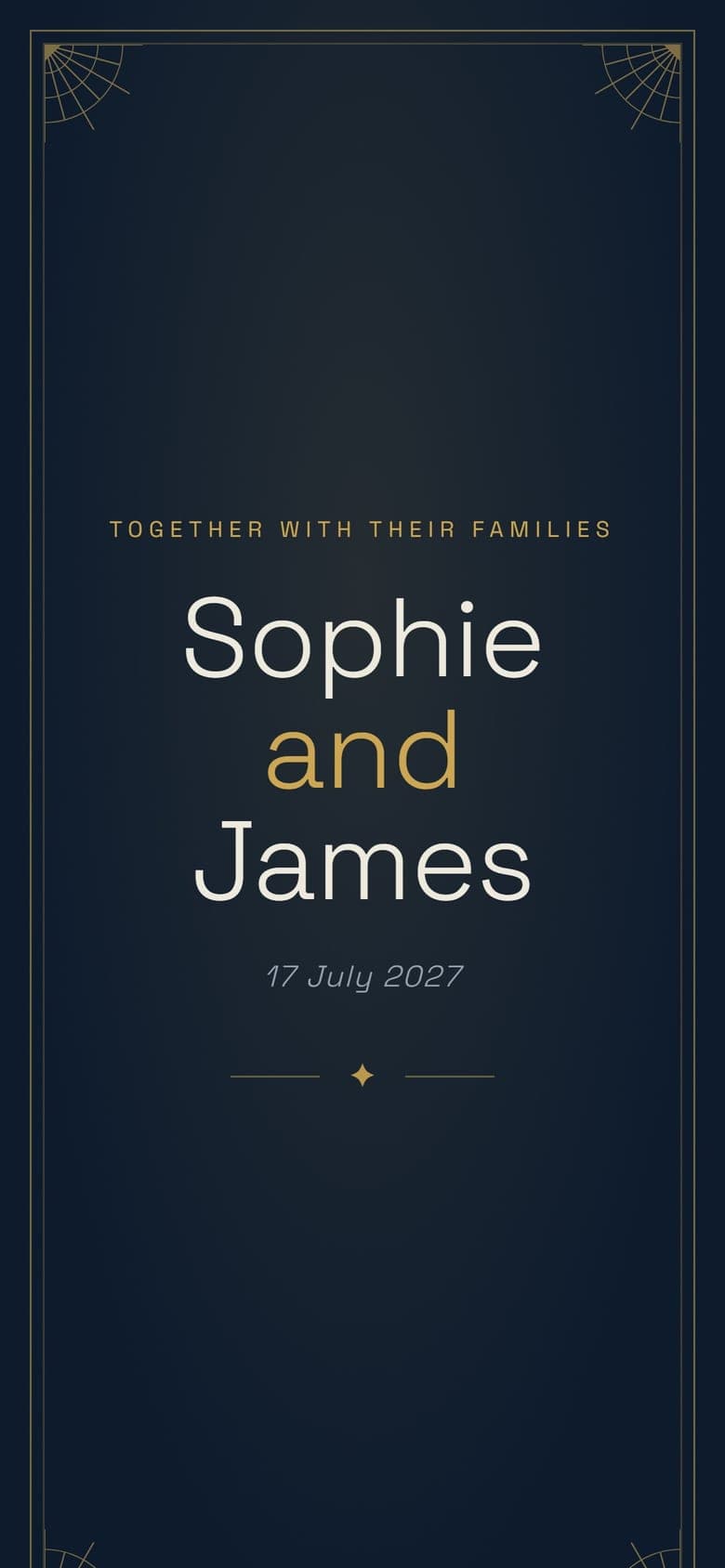 Deco
Deco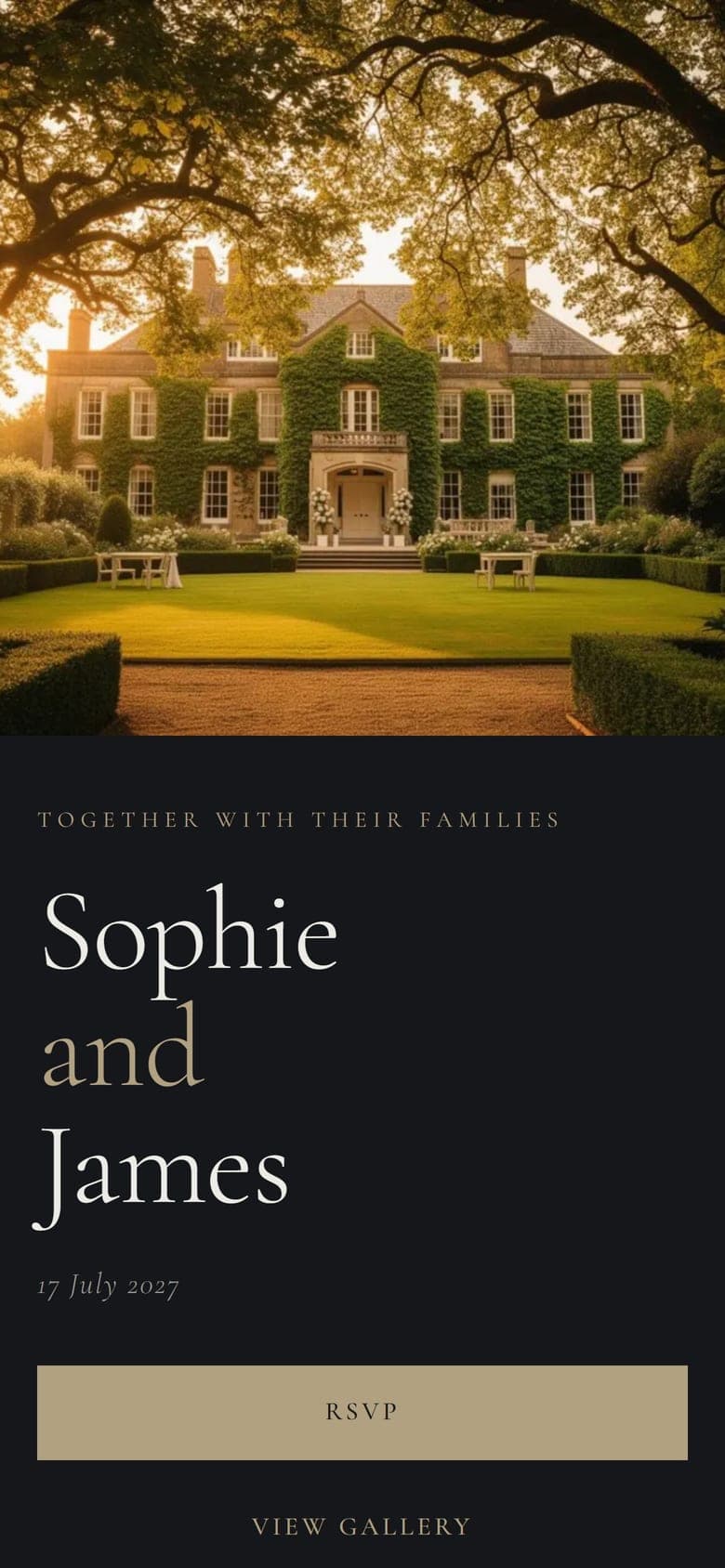
Guests
Will you join us?
38 replied71 attending
Morag Buchanan
party of 2 · +1 guest
Gordon McAleese
Kwabena & Fiona Mensah
party of 2 · +1 guest
Declan Rooney
Nell Fairbairn
party of 3 · +2 guests
Hamish & Dot Carmichael
party of 2 · +1 guest
Catering summary
Meals for the kitchen.
Every reply in one place
Ode gives your wedding a single page. Guests open it in their browser to RSVP, check the running order, find the venue and add their photos to a shared album. Guests don’t need an account.
You build the page with a live preview, then share one link by message, email or a QR code on your invitations. Replies, photos and song requests arrive in your dashboard as guests respond.
What’s on your page
The guest-facing ones are all on the example wedding, if you’d rather see them as a guest would.
Will you join us?
Are you attending?
Main course
RSVPs and meal choices
Guests reply from the page in under a minute, choosing their meal as they go. Every reply lands in your dashboard with its meal choices attached.
Use an open RSVP anyone with the link can answer on every plan. On Plus and above, pre-load your guest list so guests just find their name, see who hasn't replied yet, and get per-course totals and a PDF for the caterer.

A welcome they open like an invitation
The first time a guest opens your link, a short opening plays before the page: a sealed envelope they tap open, curtains that part, a veil that lifts. 14 styles, on every plan.
It plays once on each phone, so a guest coming back for the schedule goes straight to the page. Or set it to play on every visit.
Photos
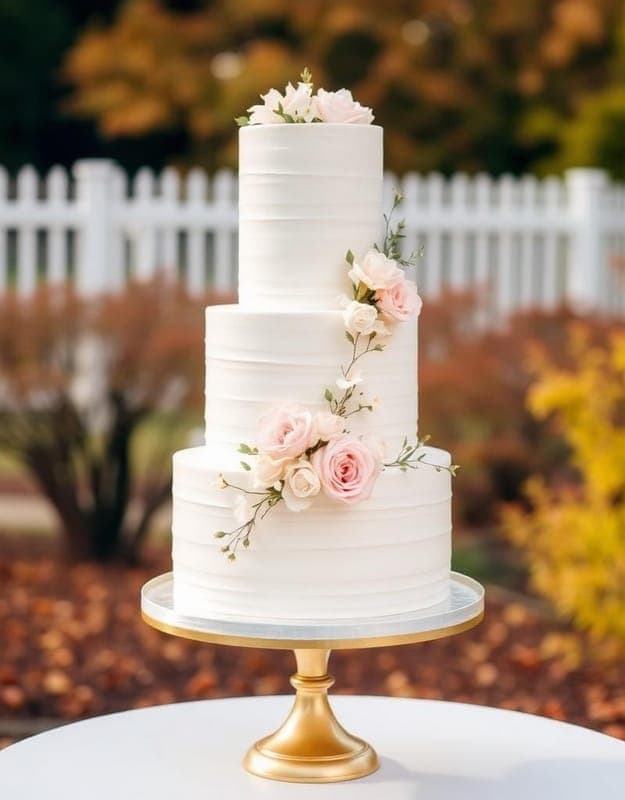


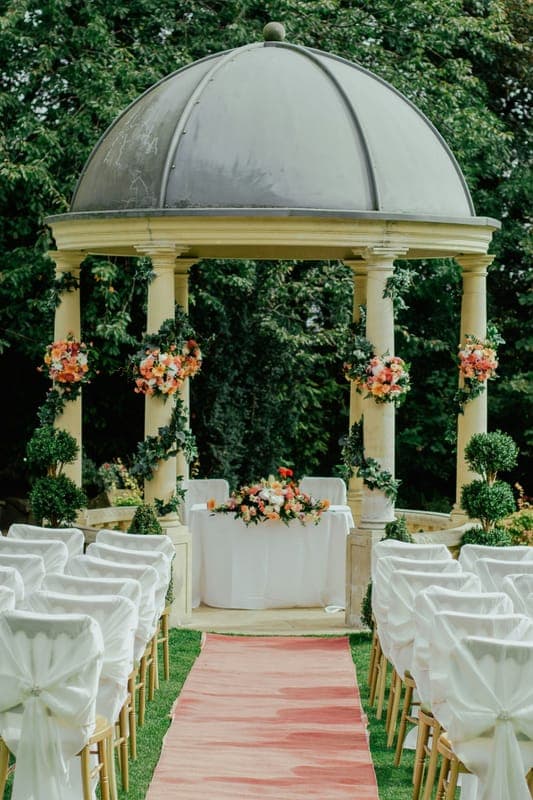
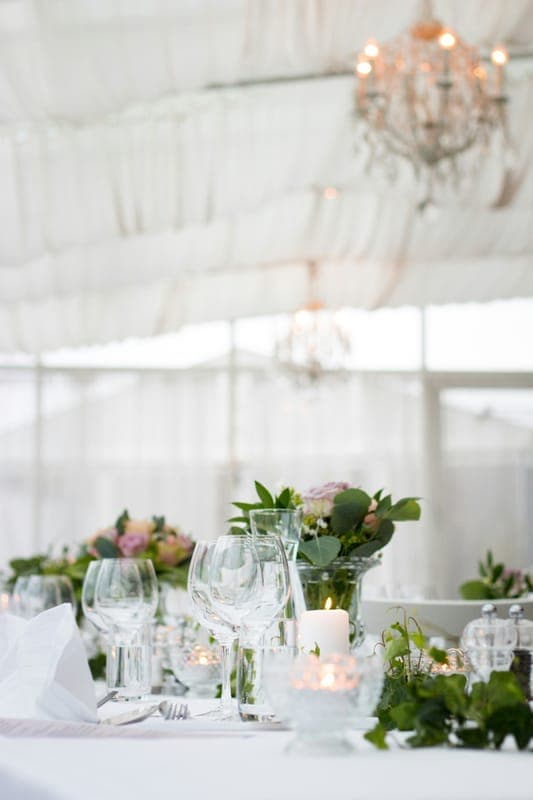
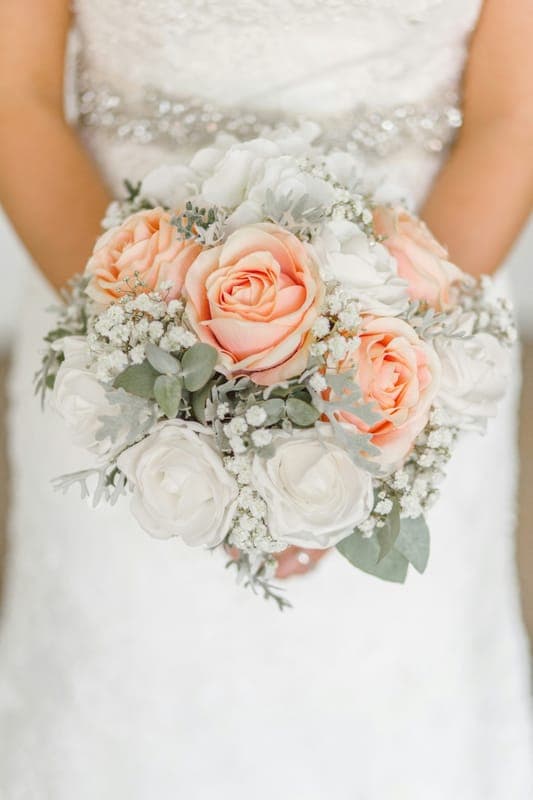
38 photos from 14 guests
A shared photo album
Guests upload from their camera roll straight to one album, and you can approve photos before they appear. Print the page's QR code on table cards and the album fills itself during the reception.
Find your seat
Type your name to find your table
You’re seated at
Table 3
The Willow Table
With Nell, Kwabena, Fiona, Declan and three others
View full seating list
A seating plan guests can search
Once the RSVPs are in, drag guests onto tables on desktop or tap them into place on your phone. Meal choices show when you hover over a name, and a service-sheet PDF lists them for the caterer. On the day, guests type their name on the page and it tells them their table. Included on Plus and above.
The Day
1:30 PM
Guests arrive
Find your seat in the Great Hall
2:00 PM
The ceremony
In the Garden Room
5:00 PM
Wedding breakfast
Three courses and the speeches
8:00 PM
First dance
Then dancing until midnight
The schedule and the venue
The running order with times and notes, plus the address, parking and the nearest station. The questions that usually fill a group chat are answered on the page instead.
Also on your page
For your guests
The best day. Thank you for the ceilidh.
Dougie & Ros
So proud of you both. Save me some cake.
Auntie Morag
Guestbook
Messages from guests, shown on the page or hidden. Paid plans.
500 Miles
The Proclaimers
Valerie
Amy Winehouse
Mr Brightside
The Killers
Music requests
Guests suggest songs; your DJ gets a PDF list. Plus and above.
Gift Registry
Cast-iron casserole dish
Champagne coupes
2 of 6 remaining
Linen bedding set
Gift registry
Guests claim gifts so nothing is bought twice. Every plan.
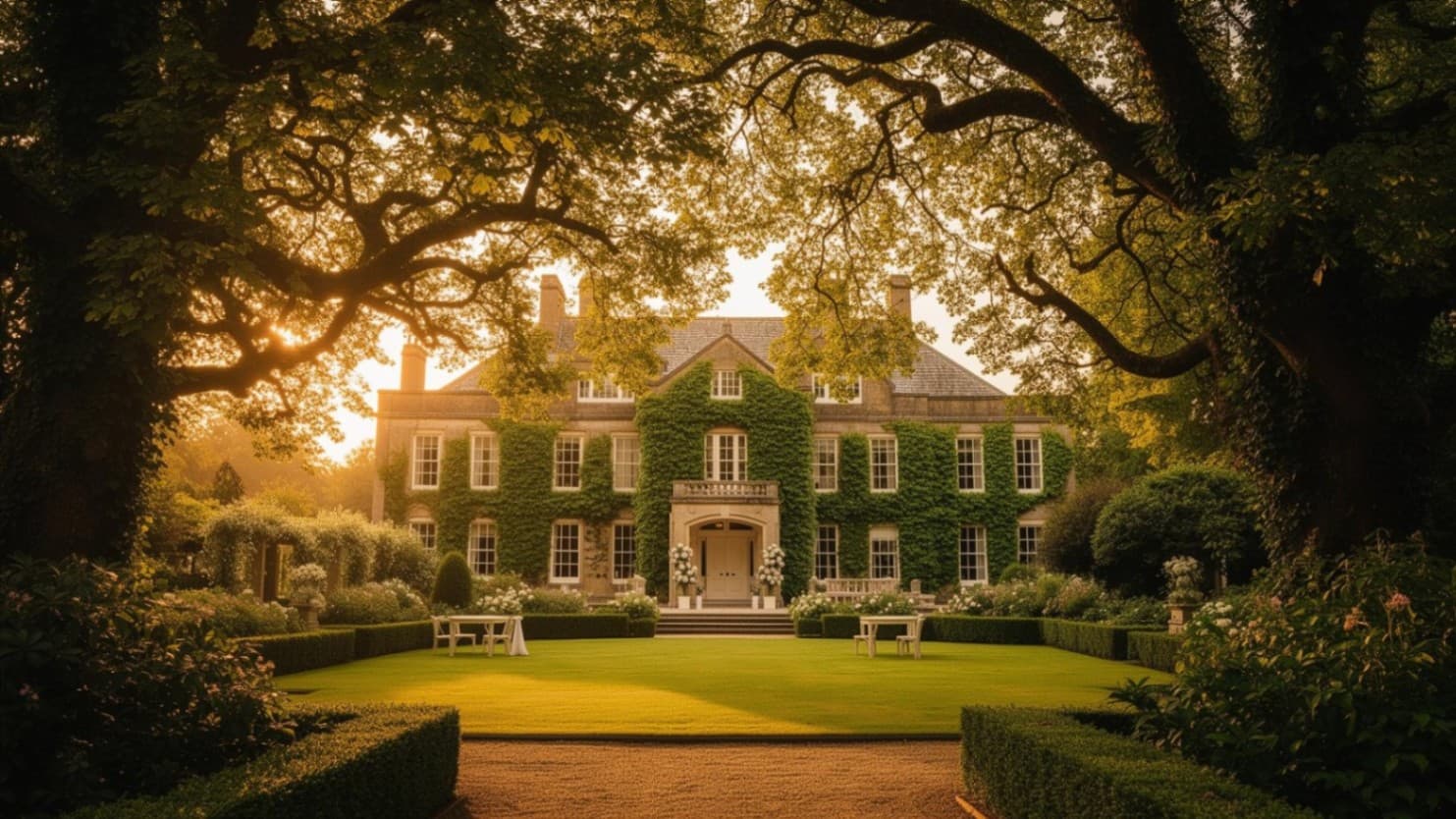
Sophie & James
Event password
Password protection
Keep the page to your guests with a password. Every plan.
For the two of you
Forecast
of £25,000
£24,930
Budget and payments
Every cost, deposit and balance with its due date, and a forecast against your target. Plus and above.
Site visits
209
Last 7 days
1,204
All time
RSVPs
71
Coming
6
Not coming
Insights
Site visits, replies, photos and your limits on one page. Every plan.
Two to five months out
Planning checklist
A UK wedding checklist to take from, with dates, notes and drag-to-order. Every plan.
Active
Pending invites
Co-organisers
Invite your partner, family or planner to edit with you. Starter and above.
And the sections every wedding needs: travel and hotels, your story, FAQs and a countdown to the day.
Save the date
Sophie & James
Saturday 17 July 2027
Ashford Manor
Scan for the details and to RSVP
Everything for the wedding is on here. RSVP by 15 May!
Sophie & James
ode.events
One link, however you send it
Print the QR code on your save-the-dates and table cards, or send the link by message or email. Guests tap it and the page opens, with nothing to install.
Wedding guests range from eight to eighty-eight, so the page assumes nothing. It loads quickly on poor signal, works the same on a ten-year-old Android as on a new iPhone, and saves to the home screen in one tap.
Build yours in an evening
Design · 17 July 2027
Sophie & James

01
Pick a theme
23 themes, from a quiet garden to a gilded opera house. The preview changes as you click, so you see the page before you choose.
02
Add what you need
Choose sections from the library and drag them into order. Every edit saves as you type, and the preview shows the page exactly as guests will see it.
03
Publish
Press Publish and the page is live at your link. Change anything afterwards and guests see it straight away.
Free to start · No card required
See it in any theme
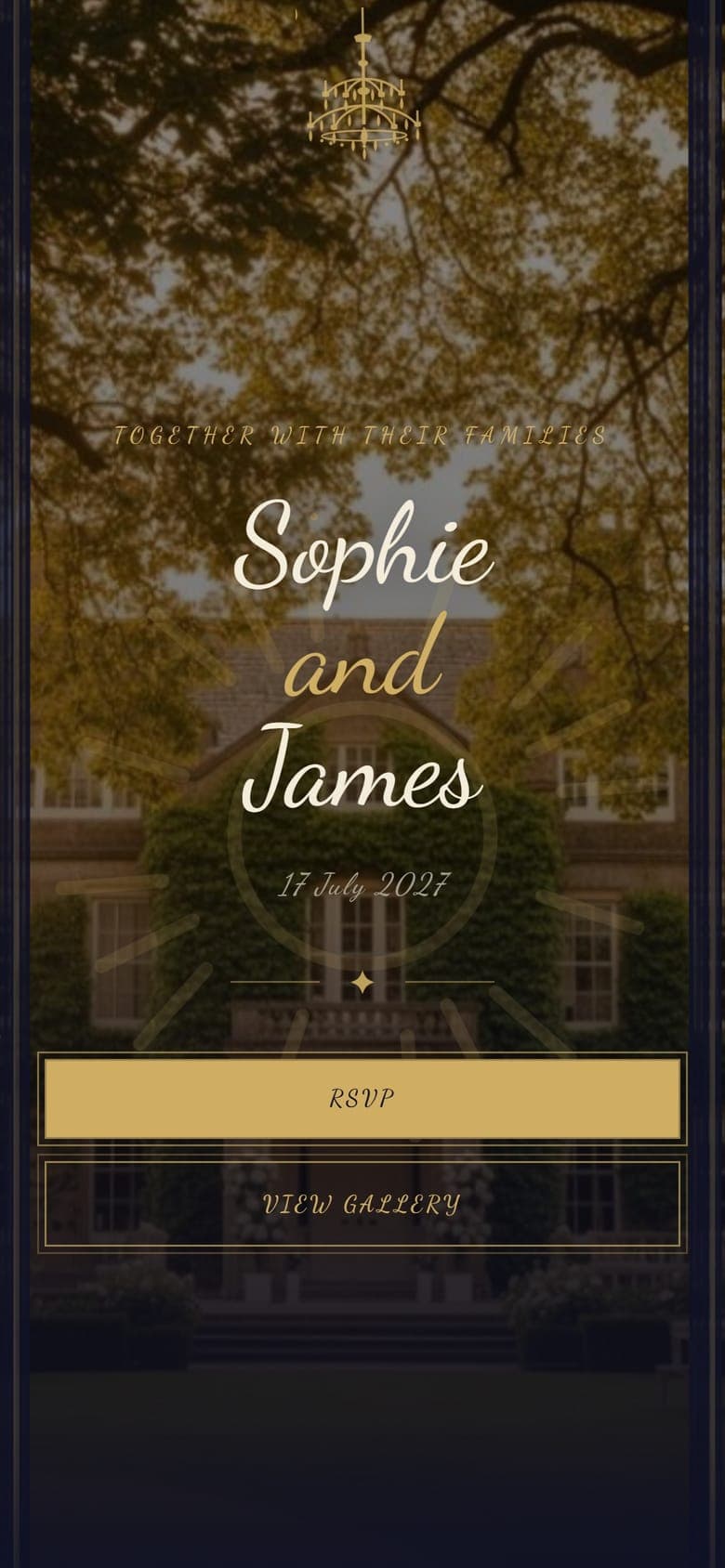
Sophie and James’s wedding at Ashford Manor is a complete example page. Pick a theme to see it change, then open it and walk through as a guest would: the RSVP, the album, the seating search and the schedule.
Nothing you enter on the example is saved.
All 23 themes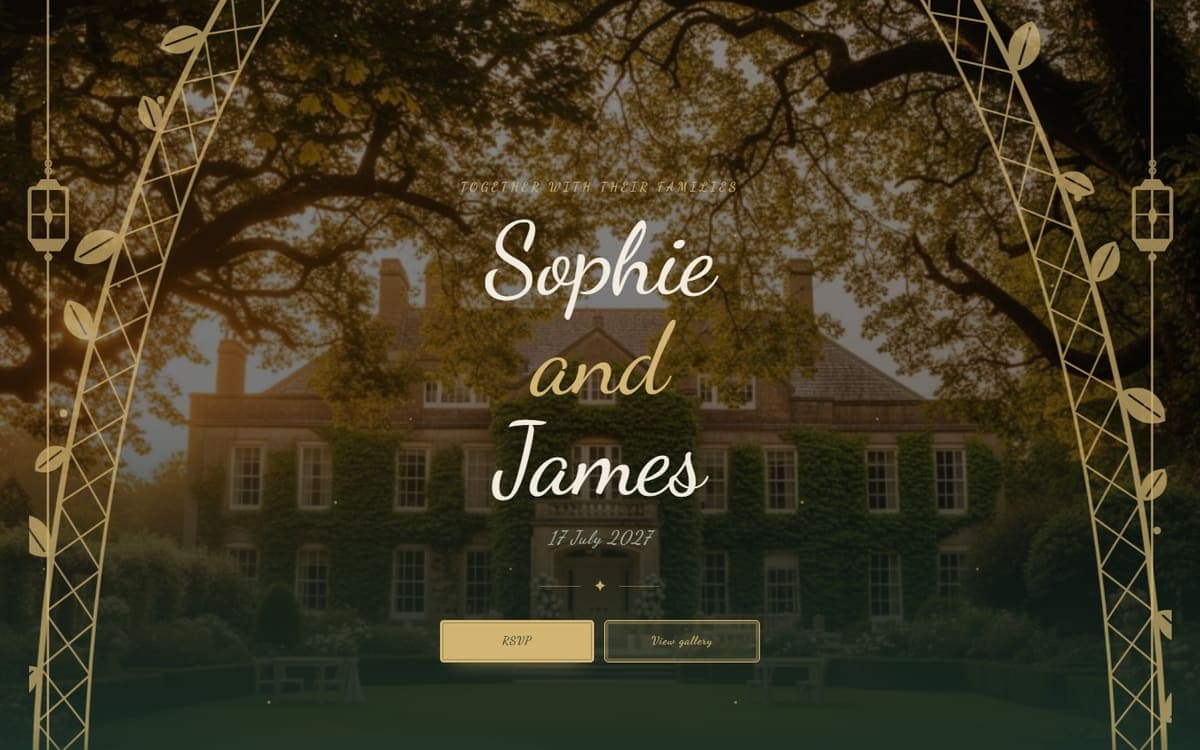
Conservatory: A glasshouse, greenery climbing brass. From Plus.
Open it in ConservatoryPricing
Free for a small wedding, one payment for a bigger one
Start on the free plan and upgrade from your dashboard if you need more. No subscription.
For intimate gatherings
Free
£0
- RSVPs
- 30
- Photos
- 20
- Album open
- 7 days
Includes
- Wedding website builder
- Open RSVP with meal choices
- Shared photo album
- Planning checklist
- Welcome animation
- 10 gift registry items
- 3 of 23 themes
For smaller weddings
Starter
£15one-off
- RSVPs
- 75
- Photos
- 50
- Album open
- 30 days
Adds to Free
- Guestbook
- Custom colour palette
- 'Made with Ode' bar removed
- 20 gift registry items
- 1 co-organiser
- 6 of 23 themes
For the full guest list
Plus
£35one-off
- RSVPs
- 250
- Photos
- 300
- Album open
- 3 months
Adds to Starter
- Guest-list RSVP
- Seating plan builder
- Music requests
- Catering summary & PDF
- Budget and payments
- 2 co-organisers
- All 23 themes
For large weddings
Complete
£65one-off
- RSVPs
- 500
- Photos
- 1,000
- Album open
- 6 months
Adds to Plus
- 50 gift registry items
- 5 co-organisers
Pay once for the one event. Start free and upgrade later; your website, RSVPs and photos carry over.
Compare every featureSet up for you
Rather someone built it for you? We will, from your answers, with the Complete plan included.
Common questions
Set up your page this evening
Free to start · No card required
Questions first? Email hello@ode.events and a founder replies.
Venue, planner or supplier? Ode Business puts a wedding website in your package, from £9.99 a month.
Ode Business