Three of the smaller features share a pattern: a section on your page where guests take part, and a workspace in the studio where everything they send arrives. Guests have no accounts, so they cannot edit or delete what they have sent; you do that from the workspace. This guide covers all three. Adding the sections themselves works the same as any other section and is covered in Build and design your page.
Guestbook
Guests leave written messages through the guestbook section (a message box and an optional Your name; a blank name shows as Anonymous), and they collect in the Guestbook workspace. You can read them as a Book, which flips through pages like a paper guestbook, or as a List for skimming. Hover over a message for the bin icon and confirm with Yes to delete anything you’d rather not keep; there is no approval queue, so messages appear as soon as they are sent. A counter in the footer shows how close you are to capacity, reading, for example, 34 / 200 messages; the cap is 200 on every plan.
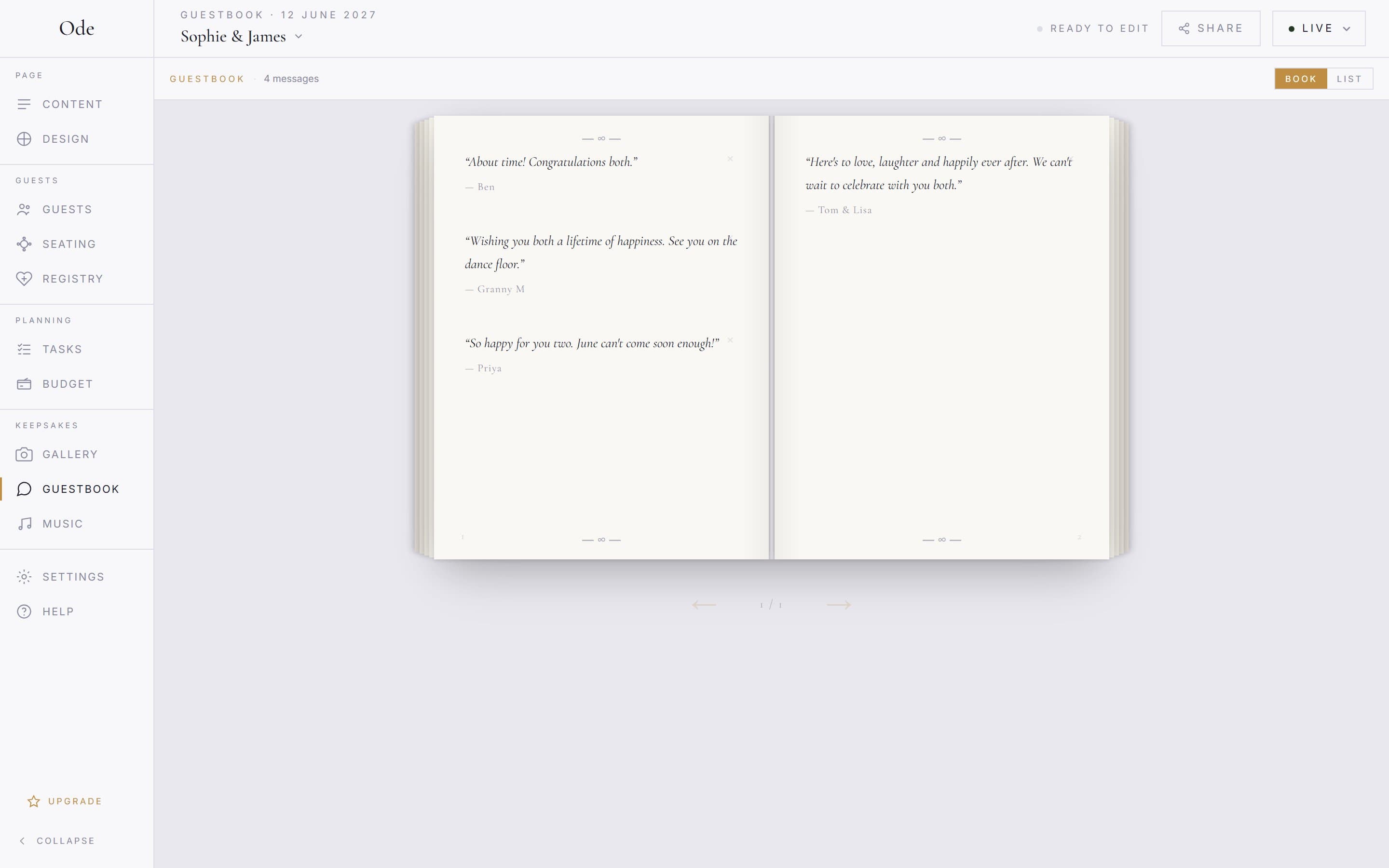
On the page side, selecting the guestbook section opens its inspector. An Invitation message (optional) field lets you set the prompt guests see above the form. A Show messages on your page switch controls whether messages appear publicly at all; it is on by default, and if it stays on you choose How messages are shown: Carousel, Cards, Ticker or Book. Switch it off and messages stay private, readable only by you in the studio, which suits couples who’d rather open them together after the day.
Music requests
The music section asks guests for a Song title and Artist, and the Music workspace gathers the answers. Requests are grouped by song, with a count badge (×2) when several guests ask for the same one; open an entry to see the artist and, under Requested by, who asked for it.Remove (or Remove all for a grouped song) then Confirm deletes anything you’d rather the DJ never saw. The footer keeps a running tally, for example 48 requests · 31 unique songs, so you can tell at a glance how the list is filling up.
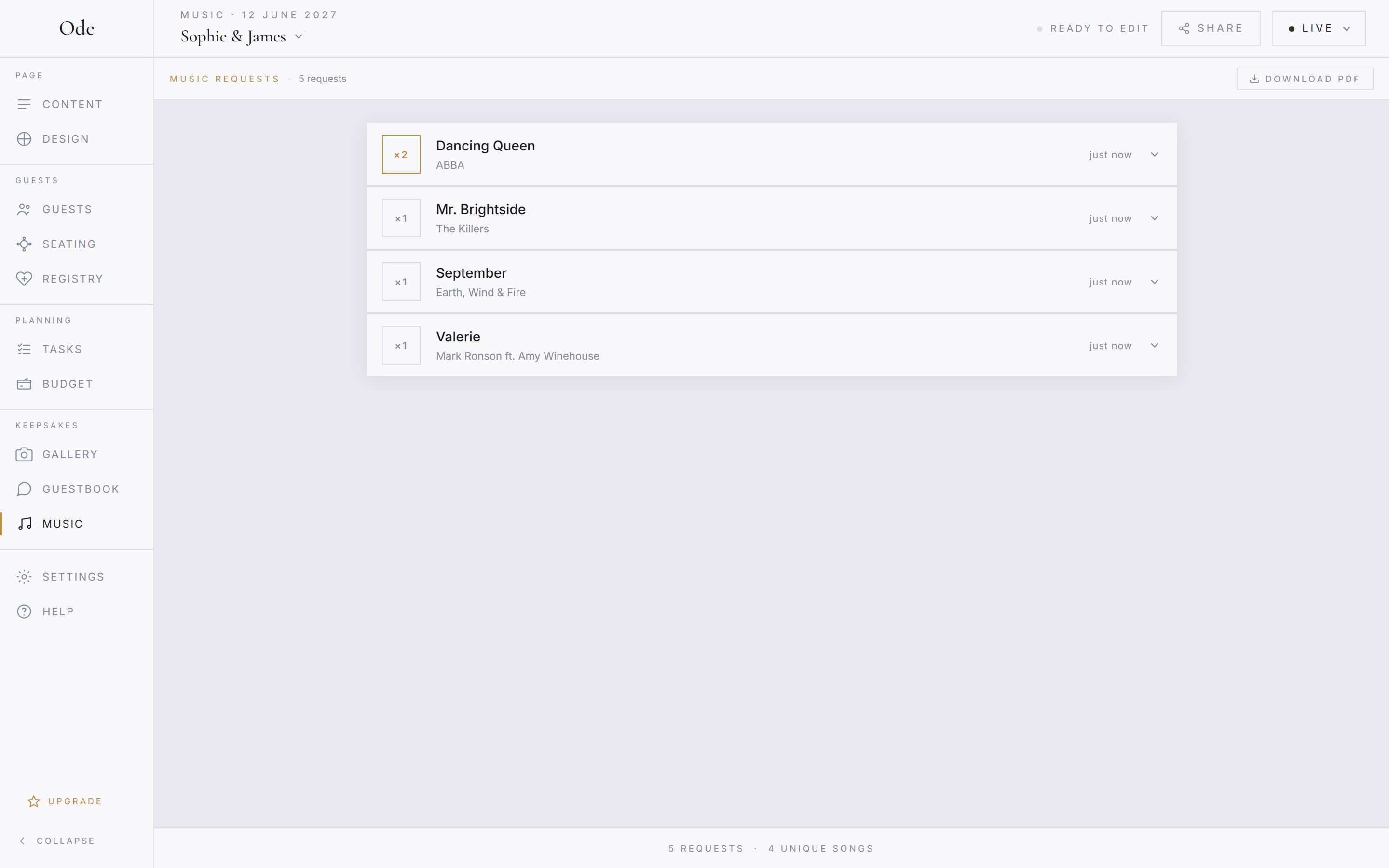
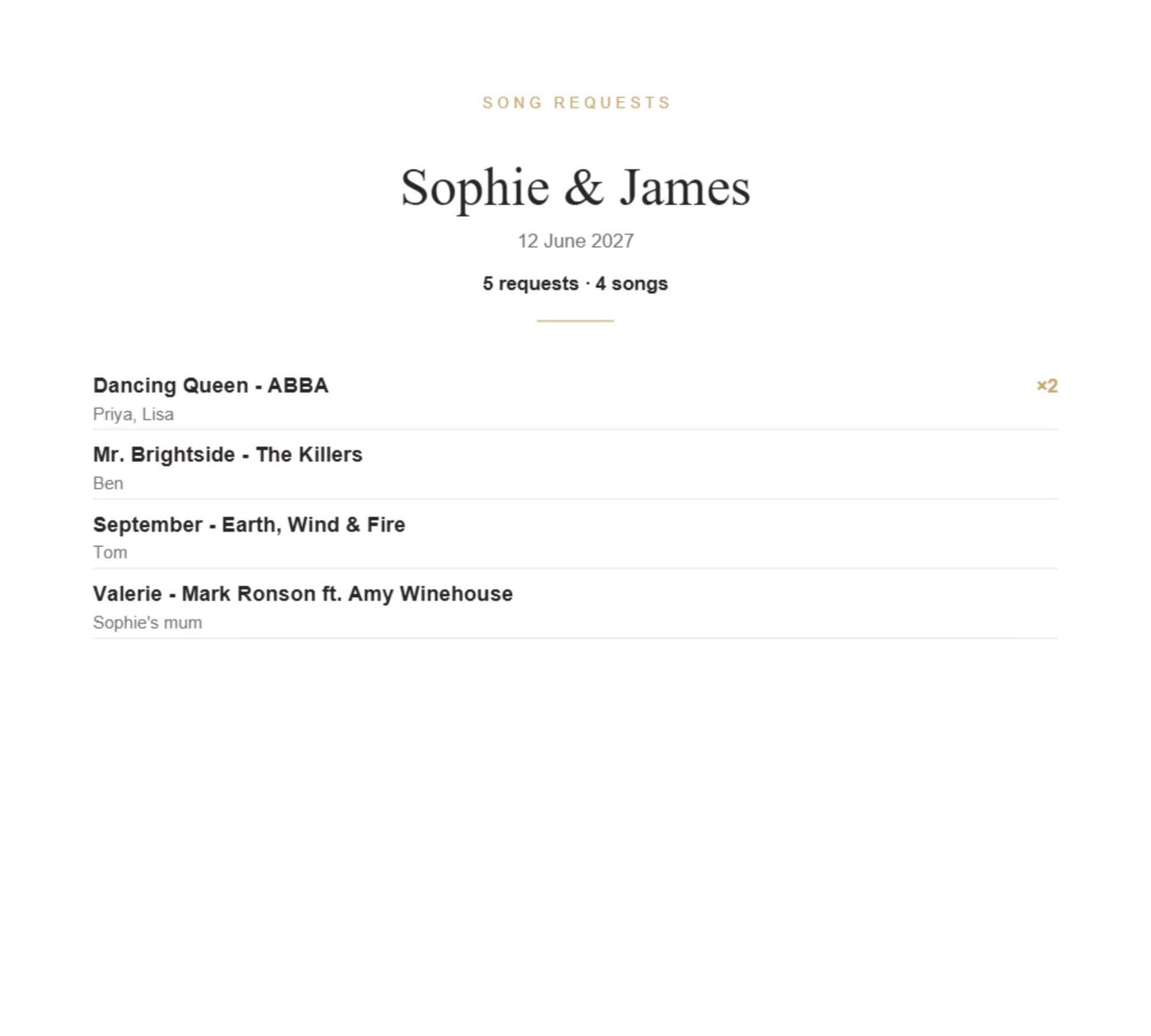
When the list is ready, the Download PDF button in the toolbar produces a printable list with each song, its artist, how many times it was requested and the names of the guests who asked (there are no timestamps). Send it straight to your DJ or band; it’s a far better brief than “play something everyone likes”.
In the section inspector, the Message to guests (optional) field sets the prompt above the request form, if you want something more specific than the default.
Gift registry
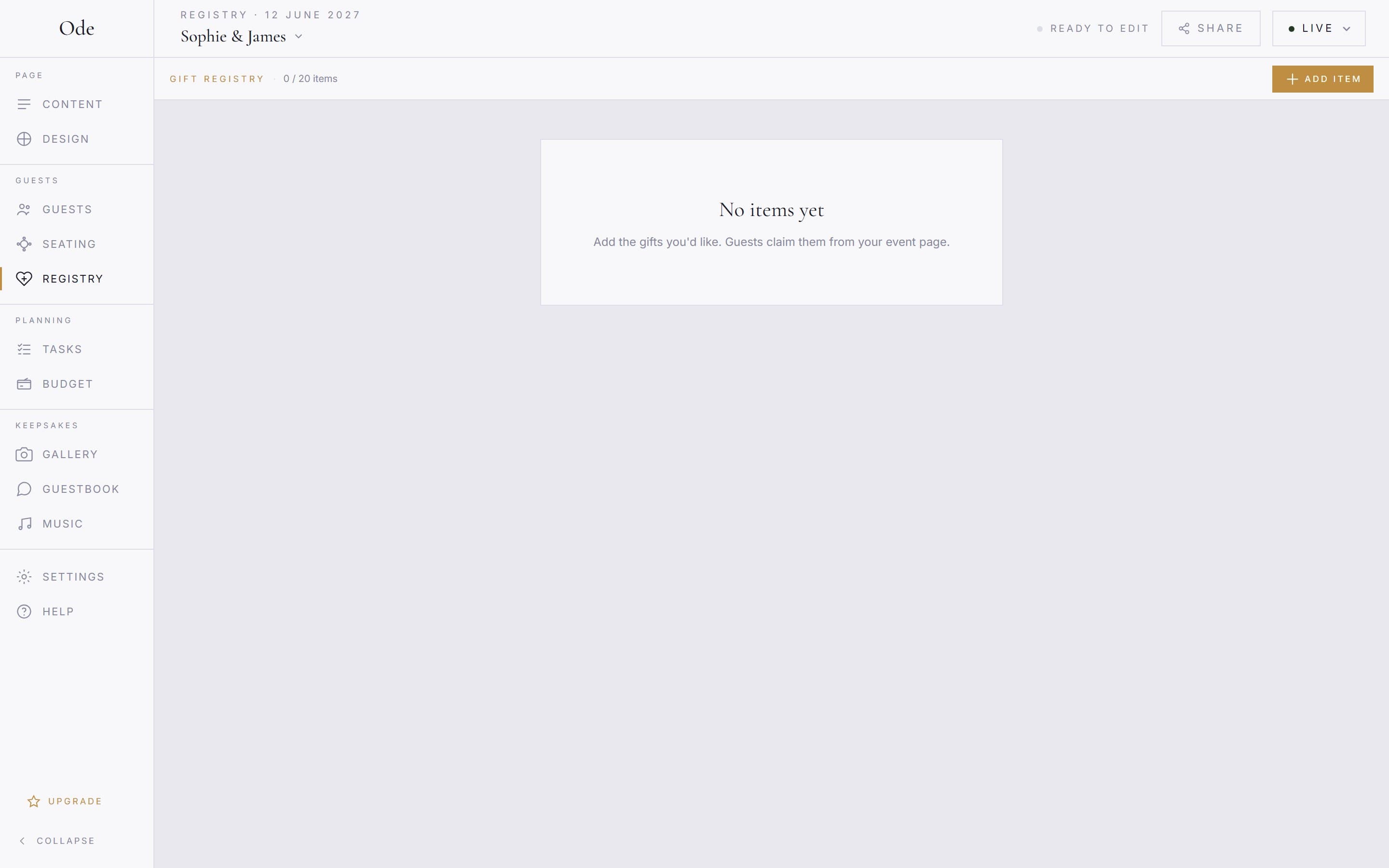
The registry is a simple list of gifts rather than a shop. In the Registry workspace press Add item and fill in Gift name *, a Qty (how many of it you would like), a Guide price (£) and a Buy link (optional) pointing to wherever the item can be bought, then Save. Guests browse the list on your page and press Claim on what they’re buying. Each claim takes one of the quantity, so an item with Qty 3 can be claimed three times before it shows as taken.
In the workspace each item shows how many of it are claimed, and View 1 claim expands the names. If a guest changes their mind, press Release next to their claim and the item goes back into circulation. Items can be edited or deleted at any time.
The section inspector controls what guests are asked for under Who claims gifts: Require name (guests must enter a name to claim), Name optional (the default: guests can leave the name blank and claim anonymously) or Fully anonymous (no name field at all; guests are told their name won’t be recorded and you only see counts). A separate switch, Show claimed status to guests, lets guests see which items are already taken; they never see who claimed them. When the event is Ended, every item shows a Taken or Closed badge and claiming stops.
None of the three needs day-to-day attention. Set the prompts, share your link, and check back now and then to skim the messages, prune the song list and watch the gifts get claimed.